Prompt Manager vs. Docs: Why Teams Switch
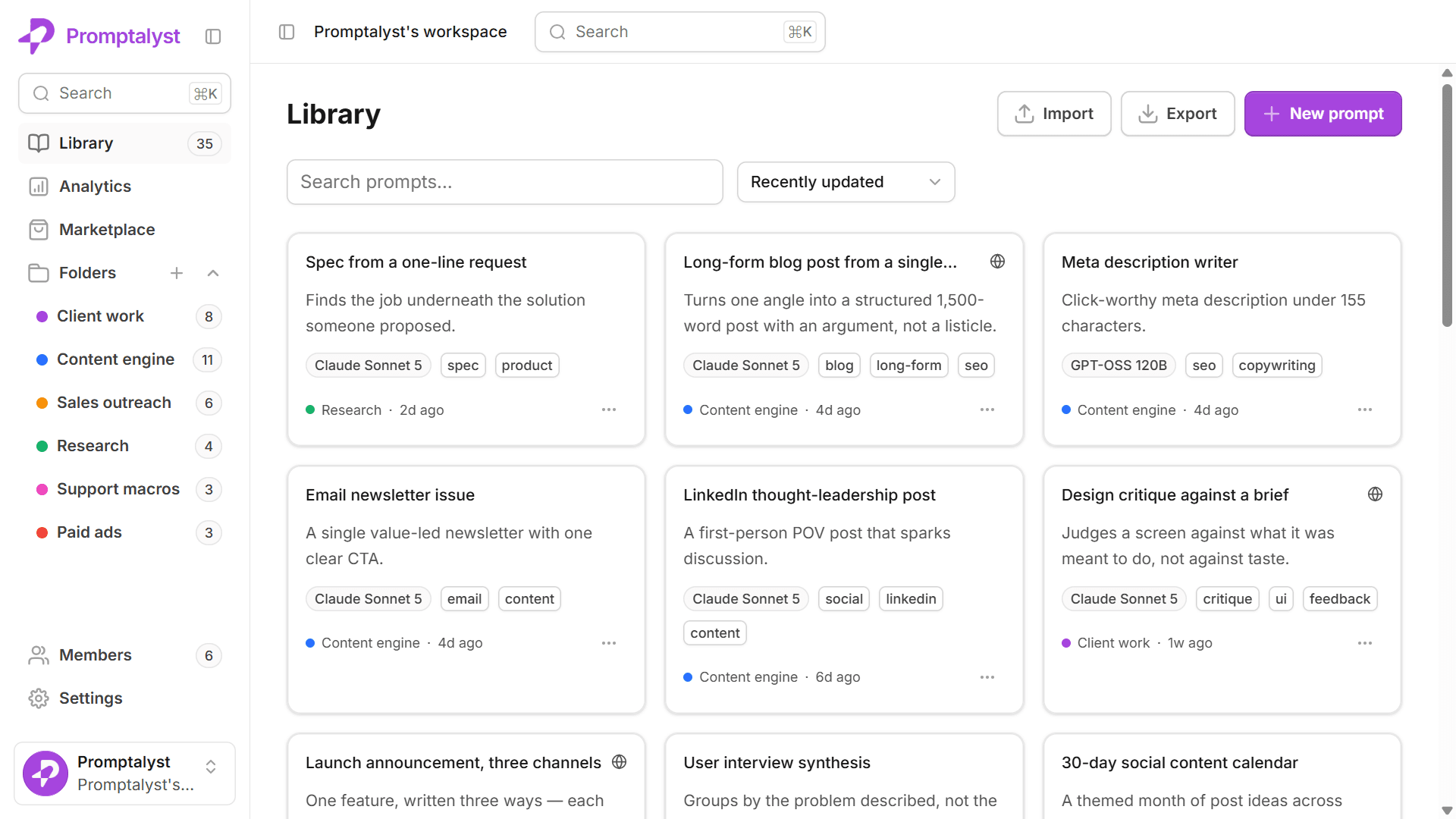
Notion and Google Docs store prompts as static text. Promptalyst adds variables, one-click runs and version history built for AI prompts

At a glance
Comparison table: where a doc stops being enough
The same capabilities side by side. Scroll past it for the longer answer on each tool, including the one case where a doc genuinely wins.
| Feature | Promptalyst | Notion | Google Docs |
|---|---|---|---|
| Purpose-built for prompts | |||
| Reusable {{variable}} fields | |||
| One-click run on Claude / GPT-4o / Gemini | |||
| Automatic version history per prompt | Limited | Limited | |
| Tags & instant prompt search | |||
| Folders & organisation | |||
| Team roles & sharing | |||
| Run analytics |
Comparison 1
Promptalyst vs Notion
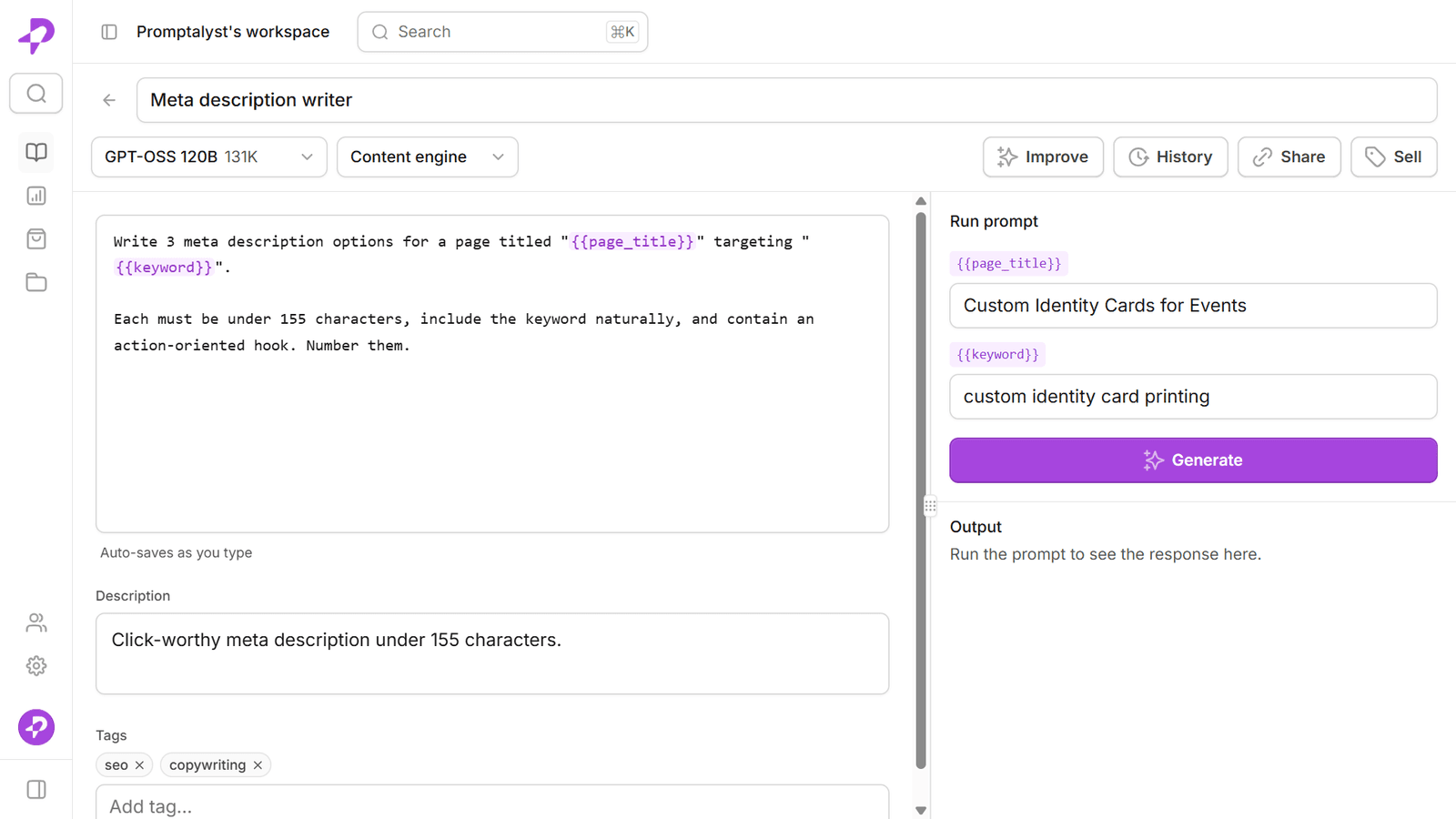
Notion is an excellent wiki and docs tool, and plenty of teams start by keeping prompts in a Notion page. The catch: those prompts are static text. There's no {{variable}} system to fill in at run time, no way to run a prompt against a model without leaving Notion, and no version history scoped to a single prompt. Promptalyst is built specifically for prompts — reusable fields, one-click runs on any model, automatic versioning and run analytics — so the workflow lives in one place instead of Notion plus a chat window.
Comparison 2
Promptalyst vs Google Docs
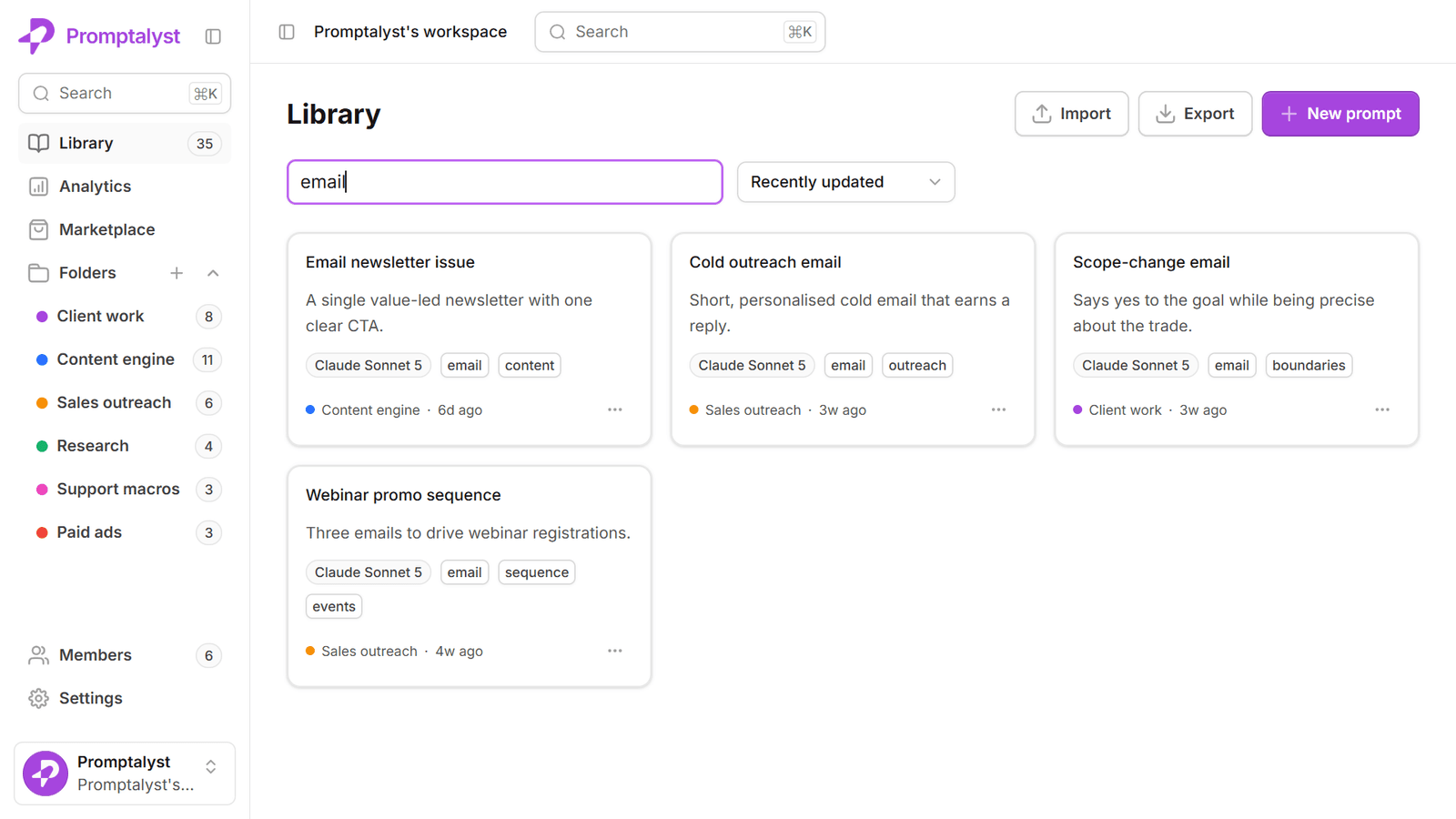
Google Docs is fine for writing a prompt down, but it falls apart as a library: once you have dozens of prompts across dozens of docs, finding the right one is painful, and there are no tags, no prompt search, no variables and no way to run anything. Promptalyst keeps every prompt findable in seconds and one click from a result.
Comparison 3
Promptalyst vs PromptLayer
This is a different comparison from the two above, because PromptLayer isn't a document tool — it's a developer platform for teams building AI features into their own product, with the logging, evaluation and observability that job needs.
So the question isn't which has more features, it's who is doing the work. If your prompts live inside an application your engineers ship and you need to trace them in production, a developer LLM-ops platform is the right category and Promptalyst is not competing for that job.
Promptalyst is for the other case, which is far more common: a marketing team, agency or small business whose prompts are run by people, not code. Nobody on that team wants an SDK — they want to open a prompt, fill in a couple of fields, and get on-brand output. That is the whole difference, and it decides the answer more reliably than any feature table.
The honest answer
When a doc is enough
If you only use AI occasionally and keep a handful of prompts, a Notion page or a Google Doc works fine. Promptalyst earns its place the moment prompts become part of your daily work or your team's — when you need them organised, consistent, runnable and shared.
Move your prompts somewhere built for them
Import your existing prompts and start running them in minutes. Free to start — no card required.