

Most teams start by pasting prompts into Notion. That is a sensible first move, and for a while it works fine. This is an honest account of where it keeps working, where it stops, and how to tell which side of that line you're on.
What Notion genuinely does well
It would be dishonest to pretend otherwise, so let's be specific. Notion is strong at:
- Storage and search. A database with a few properties will hold hundreds of prompts and find them again.
- Categorisation. Tags, folders, relations, filtered views — Notion's organisational model is better than most dedicated tools'.
- Comments and context. You can explain why a prompt exists right next to it, and colleagues can discuss it in place.
- It's already there. Nobody has to buy anything, learn anything, or get approval.
If your team has twenty prompts, one or two people writing them, and you mostly copy-paste into ChatGPT, Notion is the right answer. Switching tools would cost more than it saves.
The four things that break
The trouble starts at a predictable point, and it's always the same four things.
1. Variables are manual
In Notion a prompt template looks like this:
Write 5 Instagram captions for [PRODUCT], aimed at [AUDIENCE].
Then a human copies it, finds every bracket, and types over them. That works until someone misses one and ships a caption addressed to [AUDIENCE]. It scales badly: the more placeholders a prompt has, the more reliably someone will miss one.
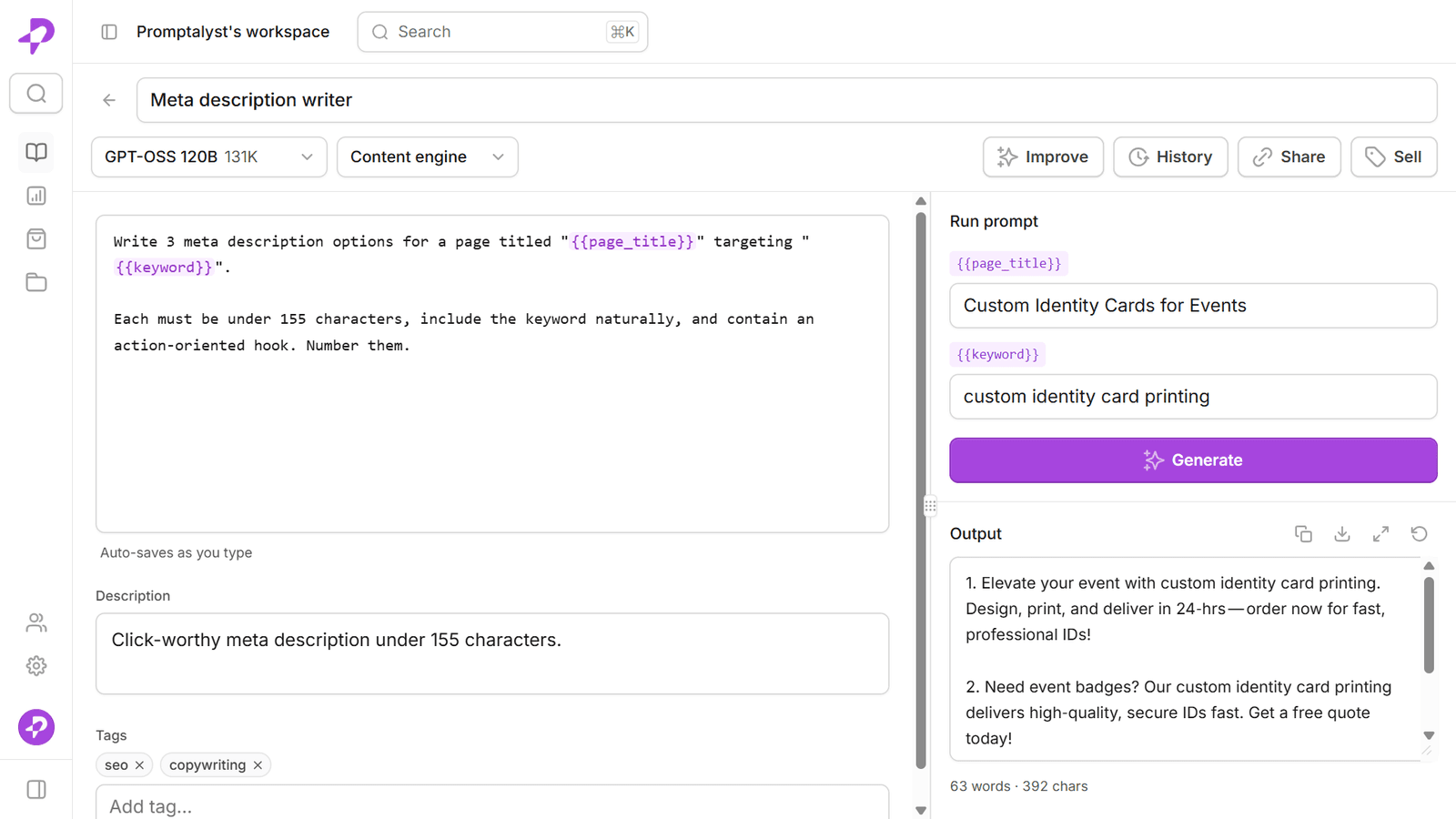
A prompt manager treats {{product}} and {{audience}} as real fields. You get a form, you fill it in, and the substitution happens for you. The failure mode disappears rather than getting more attention.
2. There's no version history you can actually use
Notion has page history, and it will tell you the page changed. What it won't tell you is which version of the prompt produced the output you liked last month.
This matters more than it sounds. Prompts degrade through well-meaning edits. Someone adds a clause, the output drifts, and nobody notices for two weeks because the page looks fine. Without versions that map to prompt bodies — and a way to restore one — you are relying on memory.
3. You can't run anything
This is the big one. In Notion the loop is:
open the page → select the prompt → copy → switch tab → paste → fill in the brackets → run → copy the output → paste it back somewhere
That's seven steps, several of them error-prone, repeated every single time. A prompt manager collapses it to: open prompt, fill fields, run. The output appears next to the prompt that produced it.
4. Nobody knows what's actually being used
Ask a Notion-based team which prompt gets used most and you'll get a guess. There's no run count, because nothing runs. So the library accumulates: dead prompts sit next to good ones, and new team members can't tell which is which.
How to tell you've outgrown it
Rather than a feature list, here are the signals that actually predict it. If two or more are true, the switch will pay for itself:
- Someone has shipped output with an unfilled
[PLACEHOLDER]in it. - You maintain the "real" version of a prompt somewhere other than the shared doc — a note, a DM, your own head.
- New joiners ask "which of these three similar prompts should I use?"
- You've edited a prompt, disliked the new output, and couldn't get the old one back.
- More than one person needs the same prompt, and they've each made a private copy.
That last one is the clearest tell. Private copies mean the shared library has stopped being the source of truth, and everything downstream gets worse from there.
A reasonable middle path
You don't have to choose all at once. A pattern that works:
- Keep strategy, briefs and discussion in Notion. It's better at those than any prompt tool.
- Move the prompts themselves — the things people run — into a prompt manager.
- Link between them. The Notion brief links to the prompt; the prompt's description links back.
The rule of thumb: Notion is for prose humans read, a prompt manager is for text a model executes. They're different jobs and the tools are shaped differently because of it.
What to check before you move
If you do move, make sure whatever you move to will:
- Import what you already have, so you're not retyping 200 prompts.
- Export it again in a format you can read, so you're never locked in.
- Let you bring your own API key, so you're not paying a per-token markup on top of what you already pay your model provider.
Those three keep the decision reversible, which is the only sensible way to make it.